

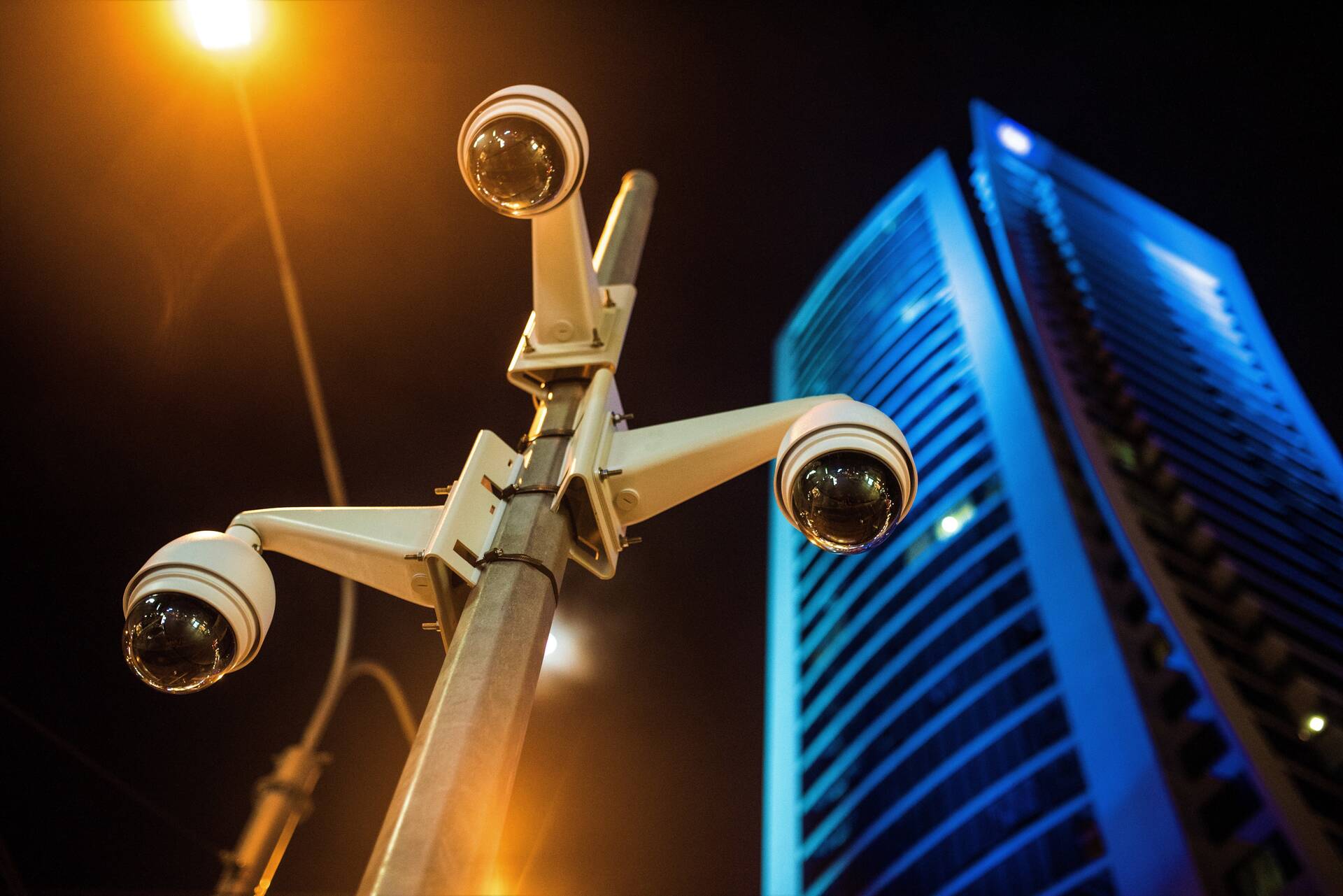
Setting up a commercial CCTV system is one of those investments every small business eventually faces. Whether you’re protecting inventory, reducing liability, or just making staff feel safer, the right setup can pay off quickly. But before calling an installer, it helps to know what “commercial video surveillance” really means — and where the biggest cost swings hide.
What “Commercial CCTV” Means for a Small Business
A commercial CCTV system isn’t just a few cameras on the ceiling. It’s a network of coordinated components that need to work together every hour of the day.
A full setup usually includes:
- Cameras — indoor, outdoor, or specialty models for entrances and key areas.
- Cabling and network gear — Ethernet lines, switches, routers, and surge protection.
- Recorder or cloud service — an NVR/DVR or subscription platform that stores and streams footage.
- Power supply and backup — PoE injectors, UPS units, or dedicated power circuits.
- Signage and compliance gear — visible warnings that recording is in progress.
Most small businesses want four main results: theft deterrence, employee and customer safety, incident proof, and liability protection.
Scope defines price more than brand names do. A single-site indoor setup with four cameras is a very different project from a multi-building, mixed indoor–outdoor system that needs weatherproof gear and secure networking.
Typical use-cases by business type:
- Retail stores: monitor entrances, checkout lanes, and inventory aisles.
- Restaurants: oversee kitchen safety and cash handling.
- Offices: secure receptions, corridors, and parking areas.
- Warehouses: protect stock zones, docks, and side gates.
What Price Ranges Look Like for Typical Small-Business Setups
There’s no universal number, but industry averages give a clear ballpark. For small operations, pricing is usually calculated both “per camera installed” and “per system total.” The first helps compare quotes; the second shows what the project will really cost with labor and materials.
| Setup Tier | Camera Count | Estimated Total Installed Cost | Per-Camera Range |
|---|---|---|---|
| Basic | 4–8 cameras | $1,200–$3,000 | $300–$450 |
| Standard | 8–16 cameras | $3,500–$7,500 | $400–$550 |
| Advanced | 16+ cameras | $8,000–$15,000+ | $500–$800+ |
Keep in mind that “per camera” pricing includes cabling, setup, and configuration — not just the device.
Always plan a 10–15% buffer for extras such as:
- Building permits or inspection fees.
- Lift or scissor rental for high ceilings.
- Drywall repair or conduit for concealed cabling.
Ignoring these small extras is how quotes that look neat on paper turn into headaches later.
What Drives the Hardware Cost
Hardware is often half of the total bill. The model, environment rating, and recording quality define most of the difference between a cheap DIY camera and a professional-grade unit built for 24/7 uptime.
Camera types and ratings:
- Indoor: cheaper, easier to mount, but limited by lighting.
- Outdoor: weather-sealed, temperature-resistant, higher cost.
- Vandal-resistant: dome models with reinforced housings for exposed areas.
Image needs drive resolution and lens choice. Full HD (1080p) is enough for small interiors, but 4K cameras or those with wide dynamic range (WDR) deliver clearer identification in mixed light — useful for entrances or parking lots.
Feature upgrades quickly raise costs:
- PTZ (pan-tilt-zoom) with remote control.
- License plate recognition and vehicle tracking.
- Audio capture for incident review.
- Smart alerts powered by AI or motion analytics.
Recorder type also matters. Local NVR/DVR units have a one-time cost but require maintenance. Cloud video services spread costs monthly and often include automatic updates.
Features worth paying for:
- Wide dynamic range (WDR)
- True night vision (IR)
- Metal housings and an IP67 rating
- Secure remote access and strong encryption.
Features often skipped without regret:
- Two-way audio in non-public areas
- Color night vision in low-traffic zones
- Motion alerts in staff-only areas (false positives)
Each decision shapes not just your upfront cost but also your reliability years later.
What Drives the Installation Labor Cost
Even with great hardware, installation labor can double the final price — and that’s where small businesses underestimate budgets. Labor isn’t just mounting cameras. It’s routing cables, ensuring stable power, optimizing viewing angles, and configuring networks securely.
Major labor cost drivers include:
- Cabling length: every extra 50–100 feet adds material and time.
- Wall and ceiling type: concrete or brick needs special drilling and conduit.
- Power method: PoE (power over Ethernet) simplifies wiring, while local power requires extra outlets.
- Network configuration: VLAN setup, router rules, and remote access permissions.
- Mounting conditions: exterior walls, weather sealing, or roof-line placements.
Extra site conditions also add cost — like after-hours work to avoid customer disruption, or compliance rules in historic buildings.
Questions to ask before accepting a quote:
- Is the cabling included, or charged per foot?
- Does the labor include network setup and testing?
- Who provides wall repair if holes are required?
- Are permits or lifts billed separately?
- How long is the workmanship warranty?
A transparent installer will answer these directly. Vague answers usually mean hidden fees later.
How Coverage Area and Camera Count Change the Final Price
Camera count is one of the easiest numbers to estimate yourself — if you know your coverage zones. Each camera serves a purpose, and doubling coverage rarely doubles cost when designed efficiently.
Start by mapping key observation points:
- Entrances and exits
- Checkout or register zones
- Stock or storage rooms
- Delivery or back doors
- Parking lots or alleys
- Any high-value equipment areas
A general rule: it’s often cheaper to add one fixed camera than rely on a single high-end PTZ to cover multiple blind spots. Coverage redundancy prevents you from missing crucial footage when a single lens view is blocked.
Must-cover zones for most small businesses:
- Main door and customer entry
- Cash-handling point or POS
- Inventory room or shelf aisles
- Loading dock or back exit
- Outdoor perimeter or parking
Designing coverage carefully can reduce total cameras by 10–20% while improving clarity — a direct cost saver that also simplifies monitoring.
What Storage Retention and Access Rules Add to the Budget
Once cameras are up, the next question is: where does all the footage go, and how long do you keep it? Storage is one of the highest hidden costs in commercial surveillance.
The length of retention—how many days you keep recordings—acts as a cost multiplier. Keeping 7–14 days of footage is cheap; keeping 90 days requires larger hard drives or higher cloud fees. Each camera adds gigabytes daily, and higher resolutions like 4K increase demand further.
Cloud vs. local storage:
- Cloud: predictable monthly fees, remote access, and automatic backups.
- Local (NVR/DVR): one-time purchase but needs maintenance, physical space, and sometimes RAID redundancy for reliability.
To stay compliant, many businesses refer to privacy and signage guidelines like the CCTV self-assessment checklist, which outlines how to inform staff and customers about video use. Skipping these rules can cause legal issues even if your system works perfectly.
Security isn’t just about having footage—it’s about controlling access. Use strong passwords, unique logins, and limited user rights. Also, budget time for regular firmware updates and system checks; those few hours a month prevent both cyber breaches and recording gaps.
For most small businesses, expect to allocate 10–20% of the total system cost for storage and security upkeep if you want consistent, compliant access.
What Ongoing Costs Matter After Day One
Buying the equipment is just the first chapter. Like any security asset, your CCTV system needs periodic care and small but regular expenses to keep it functional.
Typical monthly costs:
- Cloud storage or software licenses: $15–$60 per camera, depending on features.
- Service or monitoring plans: for 24/7 health checks and remote alerts.
Maintenance expenses:
- Cleaning and inspecting lenses (especially outdoors).
- Replace faulty cables or worn mounts.
- Firmware updates and reconfiguration after outages.
Optional services that add value but raise costs:
- Integration with alarm or access-control systems.
- Off-site video backup for redundancy.
- Professional watch service for after-hours monitoring.
These recurring charges often surprise owners who assume CCTV is a one-time project. Budgeting for them from the start helps avoid future “maintenance shocks.”
Ongoing costs that catch owners off guard:
- Cloud subscription renewals.
- Camera replacements after extreme weather.
- Re-certifying network security after IT changes.
- Labor fees for post-warranty service visits.
Think of your system like a vehicle: it performs best when serviced regularly, not only when something breaks.
What Funding Options Cover Setup Costs
Even small systems can feel expensive when paid all at once. Fortunately, several funding paths help spread the cost and keep cash flow stable.
Common financing options for CCTV installation:
- Pay upfront: lowest total cost, avoids interest, ideal for planned upgrades.
- Business credit card: fast to deploy, good for rewards, but avoid carrying large balances.
- Equipment lease: turns the system into a monthly payment that may include service and maintenance.
- Business line of credit: flexible for phased or multi-site rollouts.
- Vendor financing: some installers partner with lenders for easy approval and bundled packages.
When a system must go live fast, and there are no funds for the upfront expense, some owners seek installment options for setup costs to cover urgent commercial video surveillance installation. It’s a practical solution for small businesses that need protection immediately—especially after a theft, break-in, or compliance notice—but don’t want to delay operations while waiting for capital.
No matter which path you choose, always compare total costs over the full payment term. The goal is security that fits your budget without creating long-term debt strain.
What To Request in Quotes So You Can Compare Prices Fairly
The last step before signing a contract is making sure every installer quote speaks the same language. Too many small businesses choose based only on the headline price, not realizing what’s missing in the fine print.
A proper quote should include:
- Itemized equipment list with model numbers and quantities.
- Clear cable types, storage size, and network setup scope.
- Defined retention days and the number of users or viewing stations.
- Warranty period for both hardware and labor.
Red flags to watch for:
- Vague “materials included” with no detail.
- Missing “all-in” price that hides taxes or permit fees.
- No mention of post-installation support or response time.
- Quotes that don’t specify mounting or power setup.
When reviewing, use an “apples-to-apples” approach — create a comparison grid and mark differences in coverage, storage, and warranty. The cheapest bid isn’t always the smartest one; reliability, clarity, and support define long-term value.
A good CCTV system isn’t just hardware on walls. It’s peace of mind that your small business stays secure, accountable, and ready to grow — without losing visibility when it matters most.

Written by : Carlo Di Leo
At the age of 24, with no experience in the security industry or any money in the bank, Carlo quit his job and started Spotter Security from his parent's basement. Founded in 2004, Spotter grew from a single man operation into a multi-million dollar security system integrator that caters to businessess and construction sites across Canada.
